Scroll
Scroll is a local-first writing workspace for fiction, nonfiction, and interactive narrative. Your prose, cards, and Project settings remain in a folder you choose. Scroll adds long-form editing, Story planning, task tracking, research, and manuscript-version tools on top of those local files.
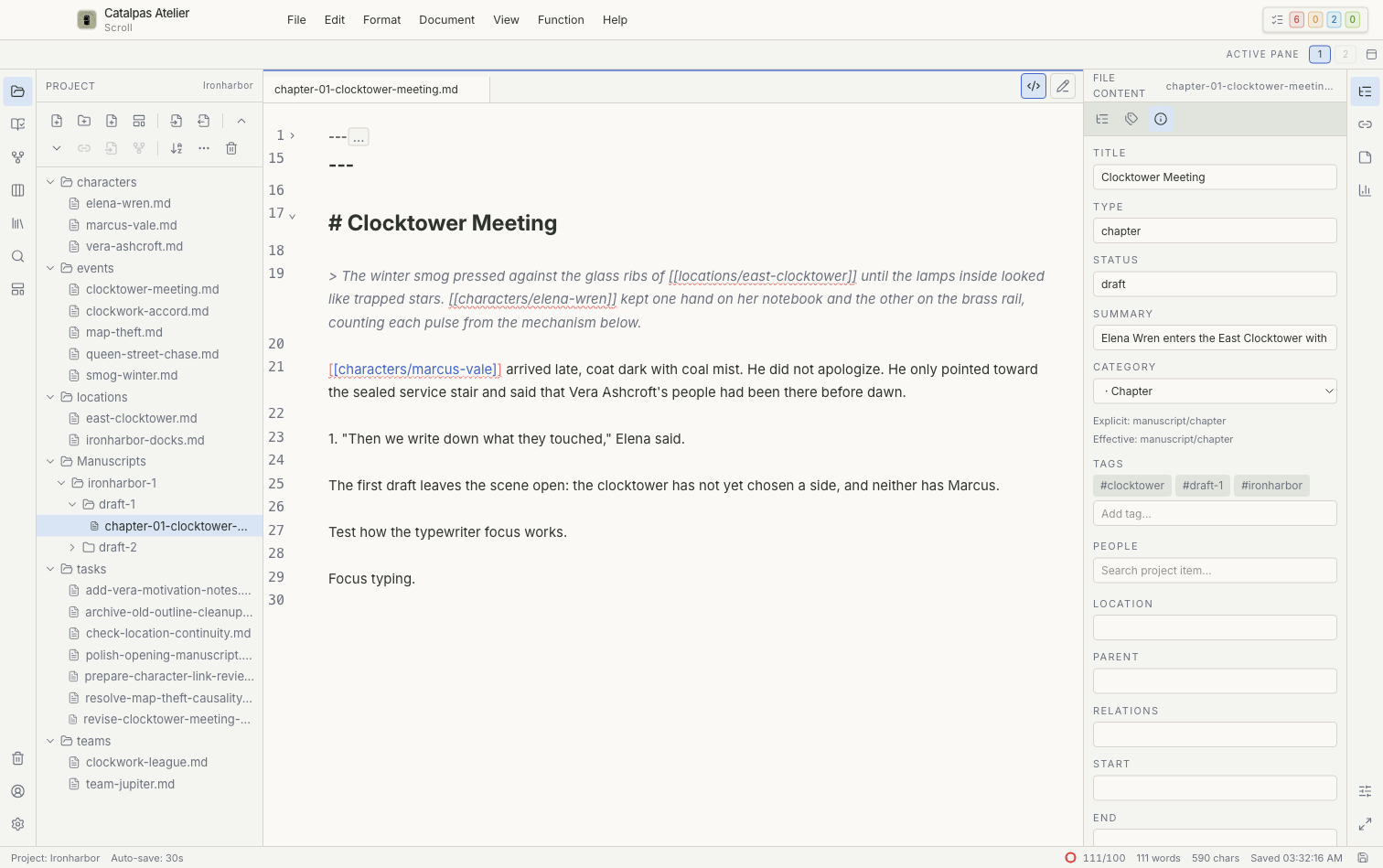
Where to begin
- New to Scroll? Start with Install and first launch, Sign in to Scroll, and Your first Project.
- Want to learn about Scroll or download it? Visit the Scroll product page or the official Download page.
- Comparing plans? See Plans and features.
- Learning the interface? Begin with the Workspace overview, then explore each workspace and Story view.
- Looking for a guided workflow? Try Plan a novel from scratch, Build a fantasy world, or Manage writing progress.
Main workspaces
Scroll organizes your work into these areas:
- Project: Browse folders and files, and create, move, rename, or move items to Trash.
- Story: Examine the same story data through Timeline, Spreadsheet, Relationship graph, Map, and canvas views.
- Tasks: Track writing work with Project Task Board, Project Task Calendar, Project Task List, and Project Task Schedule views.
- References: Copy research material into the Project and search it alongside your writing.
- Works: Register works, manuscript versions, Publish Versions, and delivery preparation for Scribe.
- Search and Templates: Find content across the current Project and manage card structures.
Data and product boundaries
Scroll's core editing and organization features work with local files. Signing in confirms which plan is available; signing out or changing plans does not delete Project files. After Scroll has confirmed a paid plan online, paid features can remain available offline for up to 24 hours. If they become unavailable, reconnect and select Refresh plan. See Plans and features for the full plan comparison.
Scroll does not replace Scribe's page design, pagination, or publication exports. Before handing a manuscript to Scribe, read Prepare a manuscript for Scribe. Back up the Project and review the manuscript in Scribe before beginning layout work.
Next step
For a short introduction, continue to Your first Project. When you are ready for a complete planning workflow, follow Plan a novel from scratch.