Relationship graph
Relationship graph displays characters, locations, organizations, and other records as nodes, with relationships as edges.
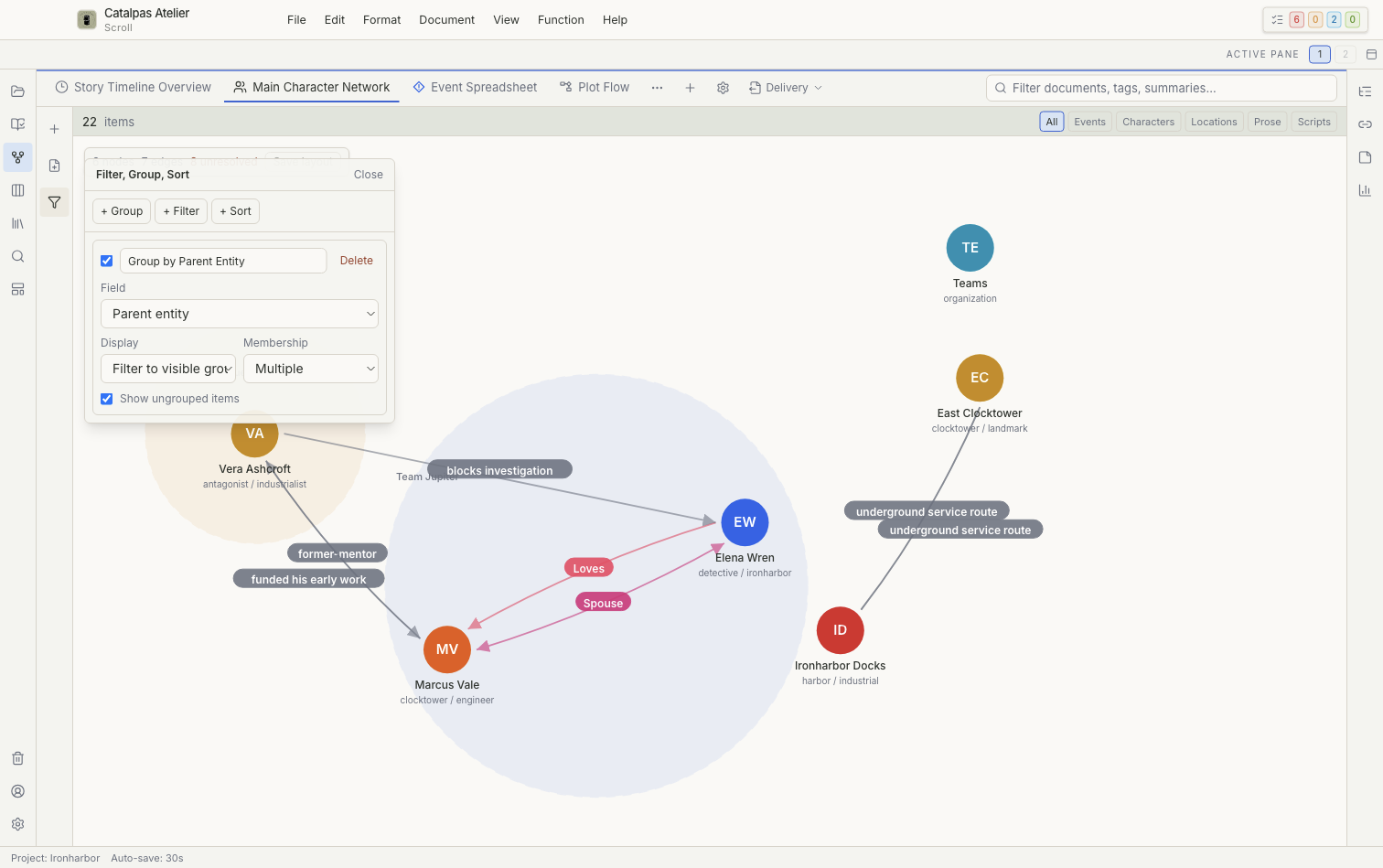
Relationship sources
- Explicit relations are stored in card relationship fields. You can create, edit, or remove them with relationship types already available in the Project.
- Automatically displayed, read-only relationships can be derived from shared events and similar information. Change their source records instead of editing the edge.
Using an existing relationship type is a core feature. Creating a custom relationship type requires Pro.
Layout
Choose a Force, Circle, Hierarchy, or Cluster layout. After moving nodes manually, Save layout stores their positions for the current view without changing the card content.
Grouping and frames
Group by category, tag, status, or no group. Group frames can use containment, relationship groups, category, or manual definitions, with options for shape, collapse threshold, and stacking.
Create and edit
Authoring actions can:
- create a character or parent entity at a chosen position;
- create a related character;
- create an explicit relationship from a node handle;
- open node or edge details; and
- edit or remove an explicit relationship.
Removing a relationship affects only that relationship. Deleting a node's record may move its local file to Trash. Read the confirmation message to verify which item will change.
Large graphs
If the view reaches its node or edge limit, narrow the results with filters, a time range, or grouping as directed by the message in the view.
For a complete workflow, see Build characters, locations, and a story world.